
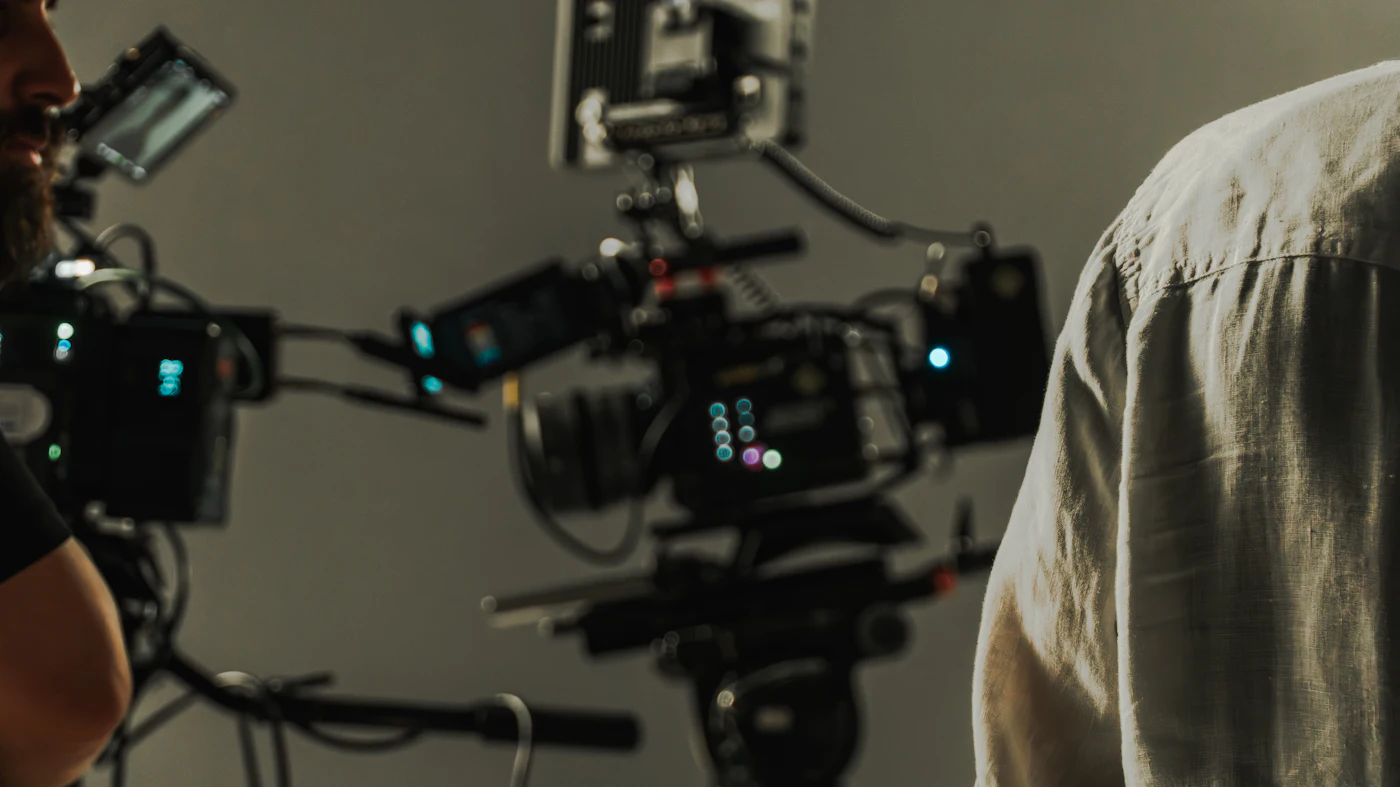
Scroll through any video feed and you are looking at two very different kinds of work. One is recorded by individuals and posted within minutes, with results that range from polished to barely watchable. The other is built by studios that plan every shot, bring purpose-built equipment and assign trained people to each task.
Neither is automatically better for every viewer. They simply follow different processes, and those processes leave visible and audible traces in the final file. The chapters below look at where those traces come from: the camera and the light around it, the way sound is captured and mixed, the planning behind each cut, and the finishing work that happens after filming ends.
A note on language: when this page refers to "production quality," it means things that can be observed and checked, such as correct exposure, intelligible audio, steady framing and consistent editing. It is not a judgement about personal taste.
Cameras, Lenses and the Discipline of Light
Small sensors in phones and webcams do a remarkable job for their size, but they have limits when a scene mixes bright and dark areas. The usual symptoms are shadows that turn into flat black, highlights that clip to white and skin or fabric colors that look washed out.
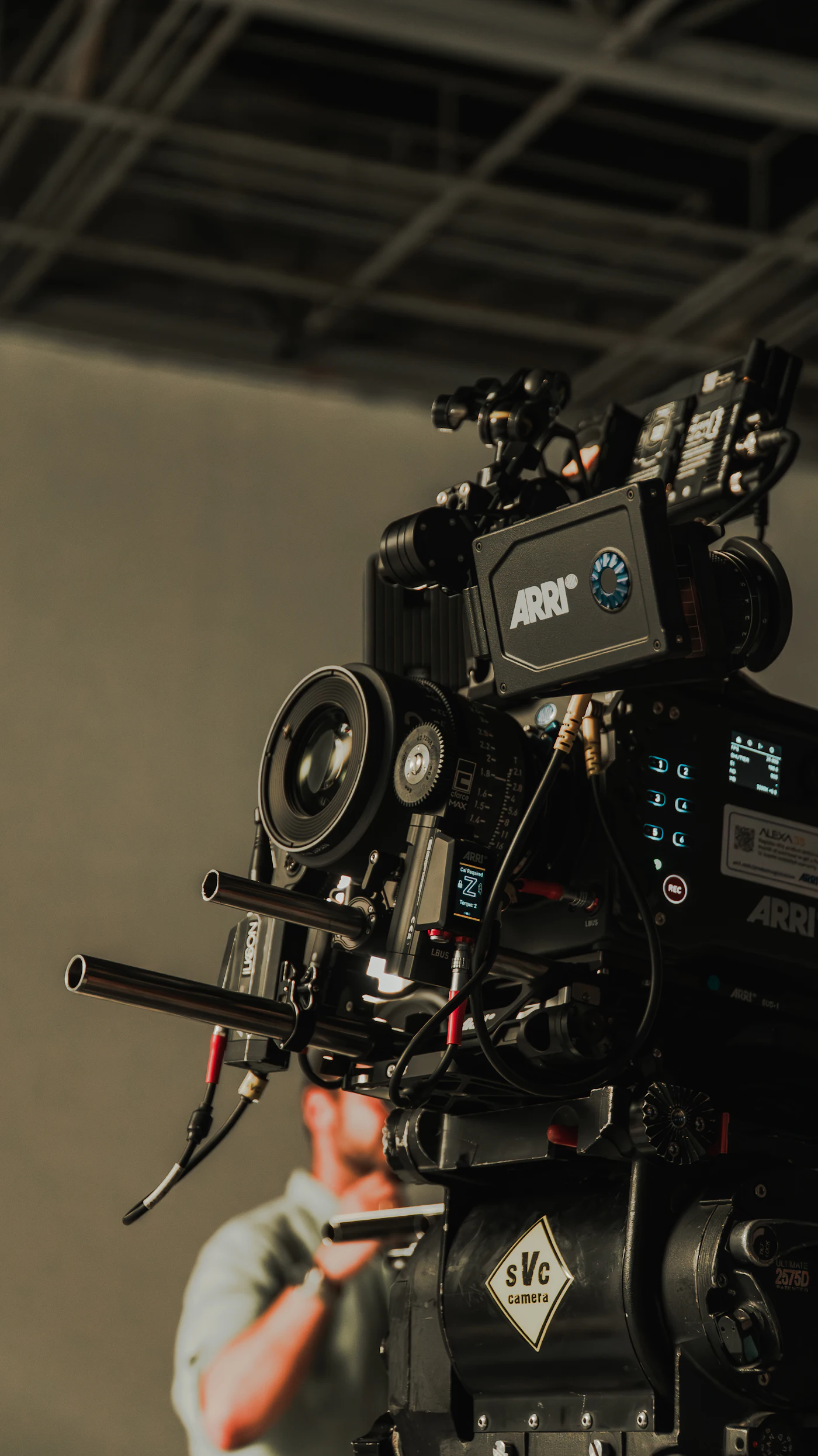
Studio crews tend to work with cinema cameras and higher-grade lenses. These capture a wider dynamic range, meaning more usable detail between the darkest and brightest parts of a frame, and they give the operator finer control over depth of field and focus pulls.
Equipment is only half of it. A multi-point lighting plan places several sources around the subject, typically a main light, a softer fill and a separating light from behind. Arranged carefully, this keeps texture readable across the whole frame and holds exposure steady from one take to the next.
Why Audio Gives the Game Away
Viewers will often forgive a slightly soft image, but poor sound is hard to ignore. Recordings made in ordinary rooms pick up hum from appliances, reflections off bare walls and sudden peaks that distort when someone speaks up.
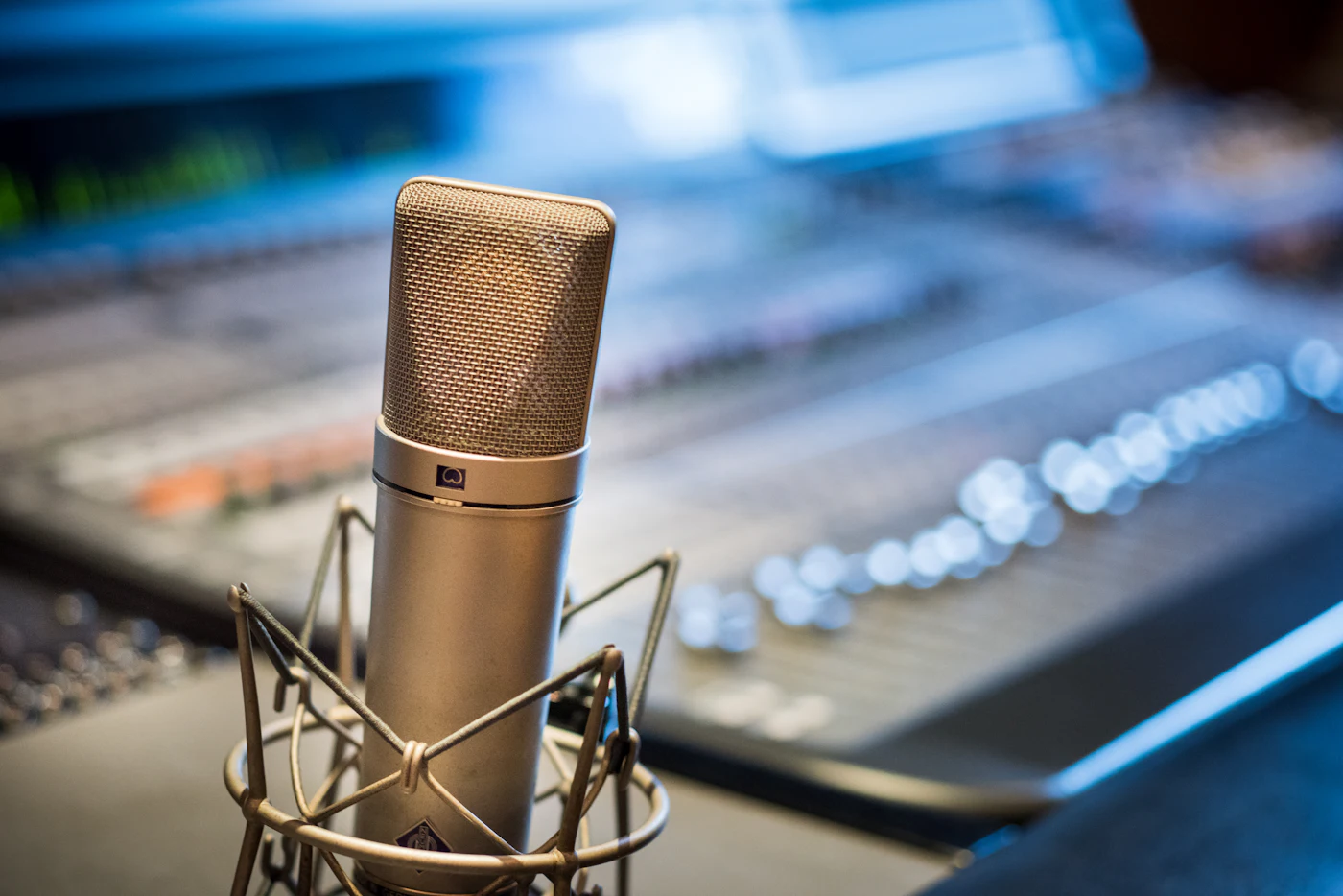
Studios tackle this at three stages. First, the room itself is treated with absorptive panels so that reflections are reduced before a microphone ever hears them. Second, directional microphones are aimed at the source and away from background noise. Third, each voice or element is recorded to its own track so an engineer can balance, clean and level them during mixing.
The outcome is audio that sits at a comfortable, even volume, where speech stays clear without constant reaching for the remote.
Most of the gap between a casual clip and a studio production is not talent or luck. It is preparation, the right tools and a crew that knows exactly what each of them is for.
Production notes, memberreads.com
Planned Shots, Multiple Angles, Measured Cuts
Unscripted recordings tend to wander. The camera drifts, the framing shifts mid-sentence and edits land wherever the recording happened to stop. None of this is a problem for a quick update, but it becomes tiring over a longer session.
In a studio, a director works out the coverage before filming starts: which angles are needed, where the camera will move and how each scene connects to the next. Footage is usually captured from more than one position, which gives the editor real choices later.
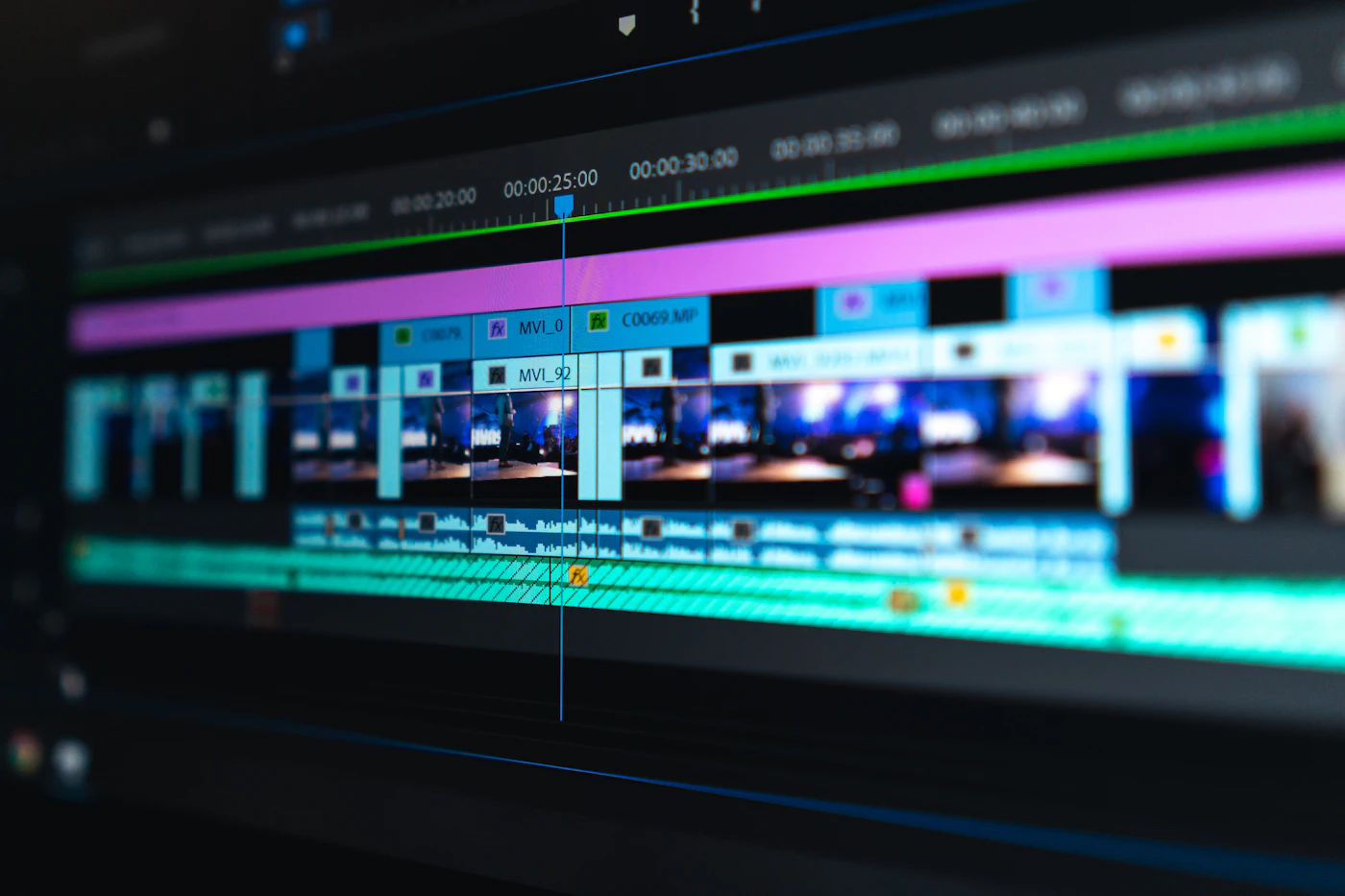
Editors then assemble those angles with deliberate timing. Cuts are placed on movement or natural pauses, eyelines match from shot to shot and props stay where they were. This continuity is what makes a long piece feel like a single, coherent flow instead of a string of fragments.
Color Grading and the Quiet Work of Post-Production
Once the edit is locked, a separate finishing pass begins. A colorist adjusts contrast, white balance and saturation so that every shot in a scene matches, even if they were filmed at different times of day or on different cameras.
The same stage covers stabilizing any uneven movement, cleaning up small visual distractions and exporting the file in formats suited to large and small screens. It is rarely noticed by the audience, which is exactly the goal: a finished piece should look like one continuous place and time.
Consistency also saves the viewer effort. When picture and sound follow one standard from the first title to the last, there is less need to skip ahead, adjust volume or abandon a file halfway through.
Open Platforms and Curated Libraries Serve Different Needs
A large share of free-to-view video sits on advertising-funded sites designed to handle heavy traffic. Because almost anyone can upload, standards differ from file to file, and pages may carry previews, redirects or pop-up ads alongside the player. Finding a well-made title can mean a fair amount of searching.
A curated library works the other way around. Titles are checked against technical criteria before they are added, so the collection follows a single standard. For people who value predictable quality, that removes much of the sorting they would otherwise do themselves.
The choice comes down to priorities: breadth and open access on one side, a consistent reviewed standard on the other.
Open, ad-supported sites
- Uploads from many sources
- Quality varies by file
- Ads and redirects may appear
Curated libraries
- Titles reviewed before listing
- One technical standard applied
- Organized browsing
What a Curated Membership Looks Like in Practice
One way to reach studio-produced media is a curated membership that borrows its structure from mainstream streaming services. A paid plan opens a sizeable catalog of curated media titles, delivered with high-definition playback and formatted for desktop computers, mobile screens and VR headsets.
According to the provider, the interface is built around viewer choice and privacy, with a simplified layout intended to keep the focus on playback. Registration offers several account setup options, and billing details are displayed at checkout so they can be read in full before any purchase is made.
If a reviewed, consistent library suits the way you like to watch, the membership is one option worth examining on its own terms.
Before you decide
- Check which devices you plan to watch on
- Look over the account setup options offered
- Read the billing details shown at checkout
- Review the provider's own terms and policies